Client Portal Access
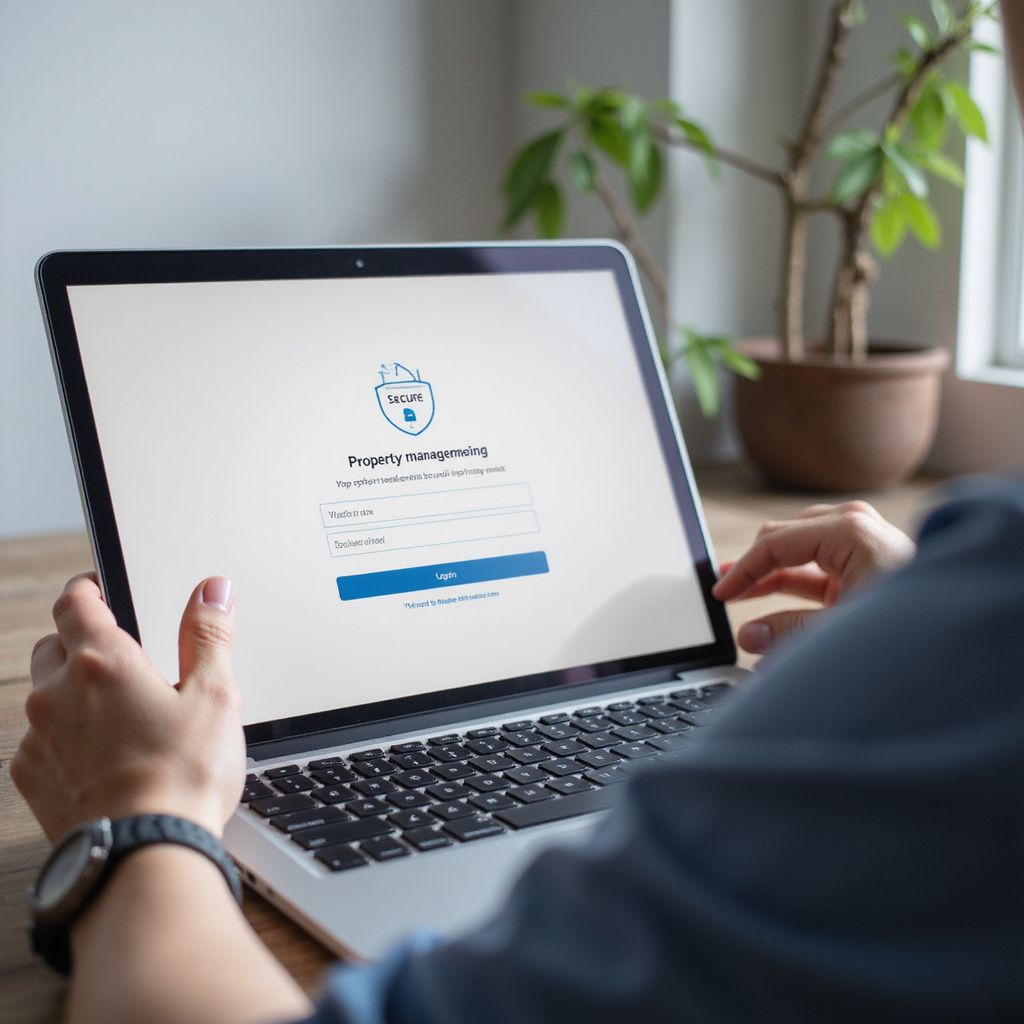

Landlord Portal
Manage your lettings with confidence
Access detailed property insights, tenancy documents, and dedicated support to streamline your landlord responsibilities.
Tenant Portal
Simplify your tenancy experience

Tenant Portal Access
Secure Tenancy Management

Instant Document Access

Responsive Support

Simplify your tenancy with reliable tools and clear communication
Common Questions About Brook Hudson’s Client Portal
How do I reset my Client Portal password?
Use the 'Forgot Password' link on the login page to receive a reset email. Follow the instructions to create a new password securely.
If you do not receive the email within a few minutes, check your spam folder or contact support for assistance.
Who can access the Landlord Portal?
The Landlord Portal is available exclusively to property owners and asset managers registered with Brook Hudson.
It provides access to tenancy documents, financial reports, and maintenance updates relevant to your properties.
What features are available in the Tenant Portal?
Tenants can view tenancy agreements, submit maintenance requests, and track payment history through the Tenant Portal.
The portal also offers direct communication channels with the property management team for timely support.
Is my data secure on the Client Portal?
Brook Hudson employs industry-standard encryption and security protocols to protect your personal and property information.
Access is controlled through secure login credentials, and regular audits ensure ongoing data protection compliance.
How do I update my contact information?
Log in to your portal account and navigate to the profile settings section to update your email, phone number, or address.
If you encounter difficulties, contact the support team for direct assistance with updating your details.
Can I access the Client Portal on mobile devices?
Yes, the Client Portal is optimised for use on smartphones and tablets, allowing access wherever you are.
For the best experience, use the latest version of your device’s web browser.
Who do I contact for technical support?
For any technical issues or questions about the Client Portal, reach out to Brook Hudson’s dedicated support team via the contact form or phone.
Support is available during business hours to ensure prompt resolution of your concerns.